Choosing smart lighting is the right decision due to its features and functionalities. For first-time users, the first question that may arise is, “How to use smart lighting?”
You don’t need any special technical knowledge to use smart lighting effectively. Simply use the app on your smartphone to control the light.
This article explains how to use smart lighting, starting from install the lights, download and install the app, and use the advanced features.
How to Use Smart Lighting
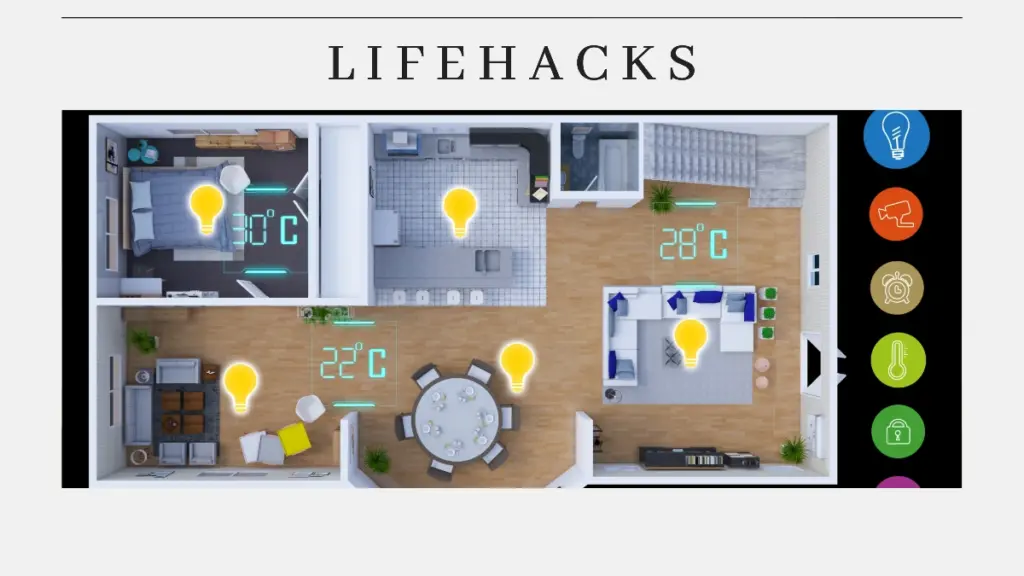
Install the lights
The first step in using smart lighting is to install it. Install the bulb in the socket and make sure the light is securely in place. Then press the switch to turn on the light.
Download and install the app
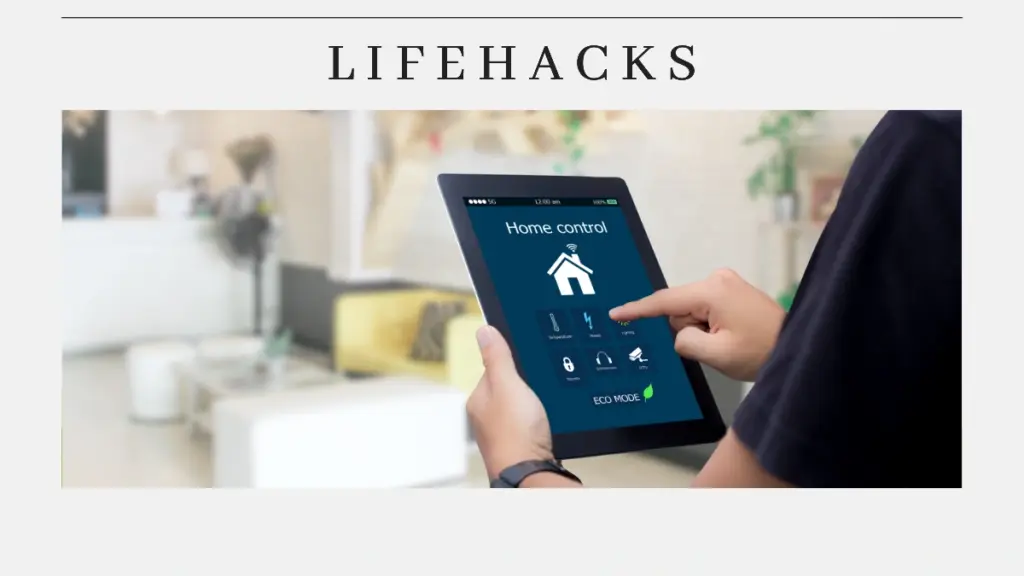
After installing the lights, download the official app from your AC brand. The app can be downloaded from the Google Play Store or Apple Store. Next, you can install it by following the instructions provided.
Create an account and connect to lighting
After installing the app, you will need to create an account by following the provided instructions. Once the account is created, you can add lighting to the app. Then connect the app to the lighting. If the lights do not flash, reset them by turning them on and off repeatedly until they start flashing rapidly.
Connect the lighting to your home WiFi network. Make sure your smartphone and lighting are connected to the same WiFi network. After that, connect the lighting device to the smartphone app.
Use the control features
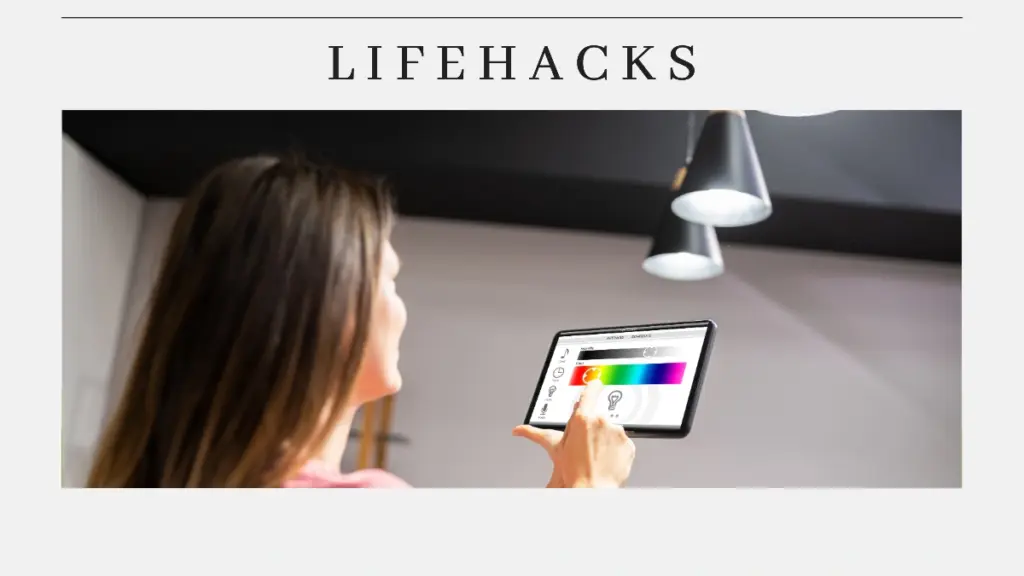
Once connected, you can immediately control the lights for full control through the app. Here are some controls you can use:
- Adjust lighting: Change the brightness or color of the lights to suit your mood or activity.
- Create a schedule: Set the lights to turn on or off at a specific time each day. For example, turn on at 6 p.m. and turn off at 6 a.m.
- Use voice commands: Connect the lights to Google Assistant, Amazon Alexa, or Siri to control them with just your voice.
Use advanced features
Smart lighting features several advanced capabilities. Consider some important features that you need. Here are some of these technological features:
- Color settings (RGB): You can choose colors to create different atmospheres.
- Geofencing: Set the lights to turn on when you come home and turn off when you leave.
- Automatic sensor: Turns lights on or off based on movement in the room and the intensity of sunlight in the surrounding area.
- Automate scenarios with the smart home ecosystem: Create automated scenarios that involve multiple devices. For example, the lights will turn off, and the air conditioner will turn on when it’s time for you to sleep.
Things to Consider
When using smart lighting, several key considerations are essential to avoid potential problems. Here are some things to keep in mind:
- Compatibility and Integration: Ensure the device is compatible and seamlessly integrates with your smart home system.
- Consider ease of installation: Use lights that can be installed directly into sockets independently without requiring additional settings.
- Understand the application: This is necessary to control the lights and use the features optimally.
That’s how to use smart lighting. Install the lights, download and install the app, create an account, connect to lighting, use the control features, and use advanced features.
When using smart lighting, several factors should be considered to achieve the optimal. Consider compatibility, integration, ease of installation, and understanding the application.
By using it correctly, you can maximize its use as lighting in your home. That way, you will get efficient lighting automation and greater energy savings.
Table of Contents
Muhammad

Hello, my name is Rifqi. I have studied how language can influence human interaction and impact sociocultural aspects. Currently, I work as a corporate content writer at Dimulti Type Approval. Through my writing, I hope to make difficult technical matters or everyday issues easier for you to understand.
Related Articles