The head unit provides many benefits, one of which is entertainment during your trip. The Android type provides many conveniences in terms of connectivity, rear camera features, and digital video recorder (DVR).
In terms of entertainment, the head unit affects sound quality, so you can enjoy music or listen to videos with good sound. In terms of integration, you can integrate Android head unit with smart homes and the Internet of Things (IoT) for broader automation.
You can imagine being able to control all the devices in your home from your car before you arrive home or before you leave home. This article will explain how to integrate Android head unit with smart home and the benefits you can get.
How to Integrate Android Head Unit with Smart Home?
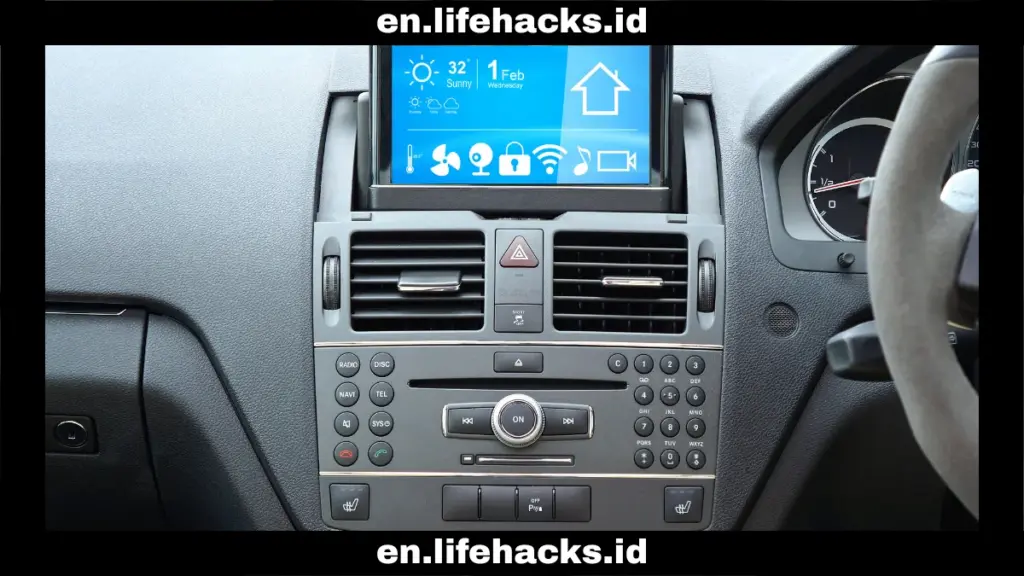
Have you ever imagined being able to control your home from your car? It turns out that this can be done with an Android head unit. Here’s how you can integrate Android head unit with smart home.
Using the Android Auto app
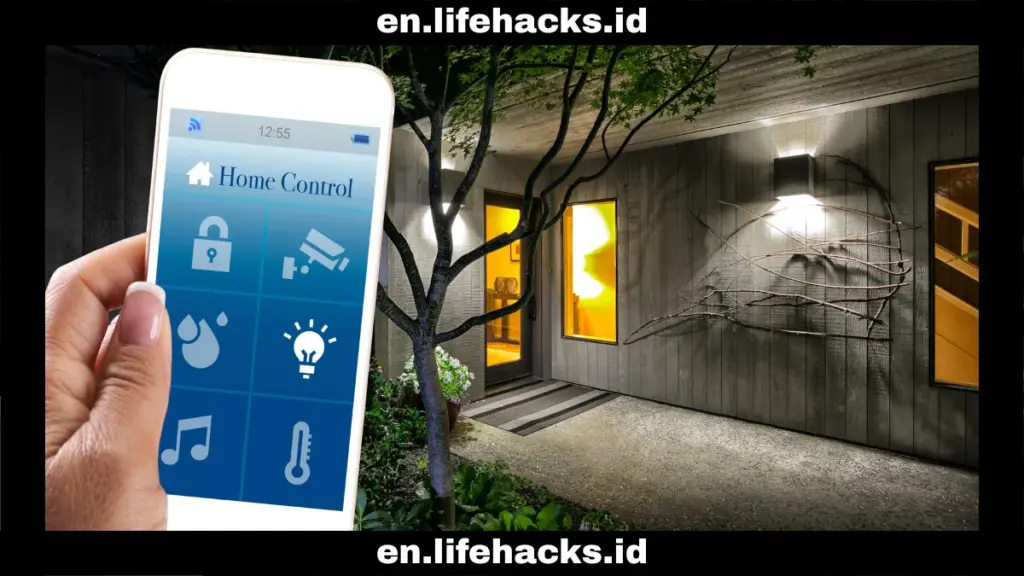
The first method to integrate Android head unit with smart home is to use the Android Auto app. Make sure your Android head unit supports Android Auto. Then you can install a smart home companion app on your Android phone that is designed to work with Android Auto.
The smart home apps that need to be installed on your smartphone are Google Home, Smart Life, or Home Assistant Companion. Make sure you have a stable internet connection to connect your phone to the head unit. After that, you can use Google Assistant voice commands to turn on the porch lights, set the thermostat, or open the front door.
Connect via USB
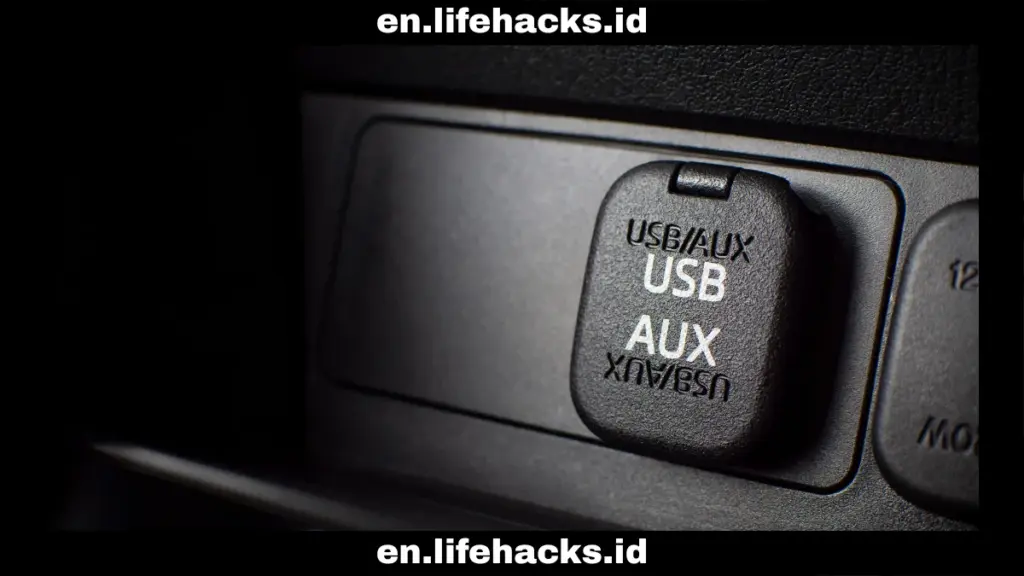
The method is the same as using the Android Auto app. The difference is that it is not connected wirelessly but with a USB cable. Connect your Android phone to the main unit using a USB cable to access Android Auto.
Make sure the smart home app, such as Google Home, Smart Life, or Home Assistant Companion, is installed on your smartphone. After that, you can use Google Assistant voice commands to control your smart home ecosystem.
Control from the unit screen
In addition, to integrate Android head unit with smart home, you can use the touch screen on your car’s main unit to interact with and directly control smart home devices. You can install smart home apps directly through the Google Play Store on the head unit.
However, you need to ensure that the head unit has an internet connection via a WiFi hotspot or an internal SIM card. After that, you can directly open the smart home app on the head unit screen to control smart home devices via voice commands.
When integrating the head unit with your smart home, it is important to always ensure that the Android Auto app on your phone and the main unit’s software are always up to date. This is to ensure compatibility and access to the latest features.
The Benefits of Integrating an Android Head Unit with Smart Home
By integrate Android head unit with smart home, you can enjoy many benefits. Here are some of them:
- Remote control from your car: You can control your home devices from your car. You can turn on the air conditioner at home before you arrive so that the room temperature is comfortable, turn on the lights before leaving the house, and set up the security system from your vehicle while traveling.
- Increase convenience: You can control smart home devices without needing to use a phone or a separate app. This allows for centralized control from the head unit. The reduced number of devices and automated settings certainly enhances the convenience of using a smart home.
- Enhanced security: You can activate the security system or check camera feeds directly from the car dashboard. This way, your home will remain secure even when you are away.
- Better driving experience: You can fully control your smart home without touching the screen or adjusting it manually. You can use voice assistants to set up the system hands-free and stay focused on driving.
That’s how to integrate Android head unit with smart home. You can easily connect it to Android Auto and link it to your Android smartphone. Alternatively, you can install smart home apps directly on the Android head unit.
This way, you can control your smart home system remotely from your car, enhancing comfort and security. Moreover, you can enjoy a better driving experience with full control through voice assistants. This way, smart home automation can be expanded through integration with your car’s head unit.
Table of Contents
Muhammad

Hello, my name is Rifqi. I have studied how language can influence human interaction and impact sociocultural aspects. Currently, I work as a corporate content writer at Dimulti Type Approval. Through my writing, I hope to make difficult technical matters or everyday issues easier for you to understand.
Related Articles