Choosing robot vacuum cleaner is the right decision due to its features. For first-time users, the first question that may arise is, “How to use robot vacuum cleaner?”
You don’t need any special technical knowledge to use robot vacuum cleaner effectively. Simply prepare the robot vacuum cleaner, download the app, connect to WiFi, perform the essential mapping and cleaning, and then use it for regular cleaning and maintenance, as well as advanced features.
This article explains how to use robot vacuum cleaner, starting from preparing the robot vacuum cleaner to completing the essential mapping and cleaning tasks.
How to use Robot Vacuum Cleaner
Prepare the robot vacuum cleaner
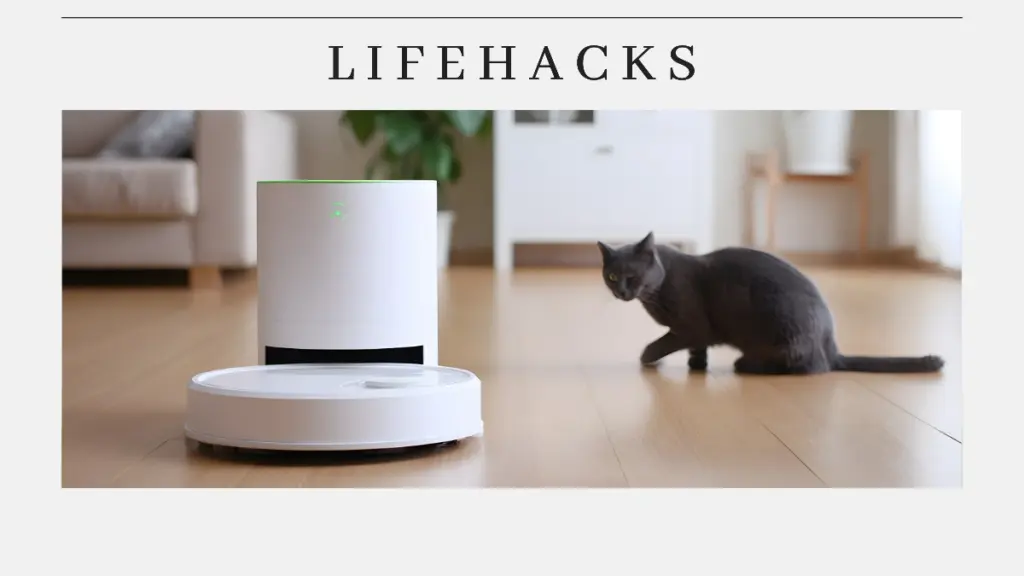
The first step in use robot vacuum cleaner is to prepare it properly. Make sure the device is fully charged. It typically takes three to five hours for the robot to charge after its initial use when placed on the dock.
You need to place the docking station in an area that is easily accessible to the robot and close to a power outlet. Ensure there is a space around it, approximately 0.5 m to the side and 1.5 m in front. This is necessary for the robot to use its sensors for navigation and mapping. It is also needed for maneuvering, returning to the docking station, and avoiding obstacles.
Download the app and connect to WiFi

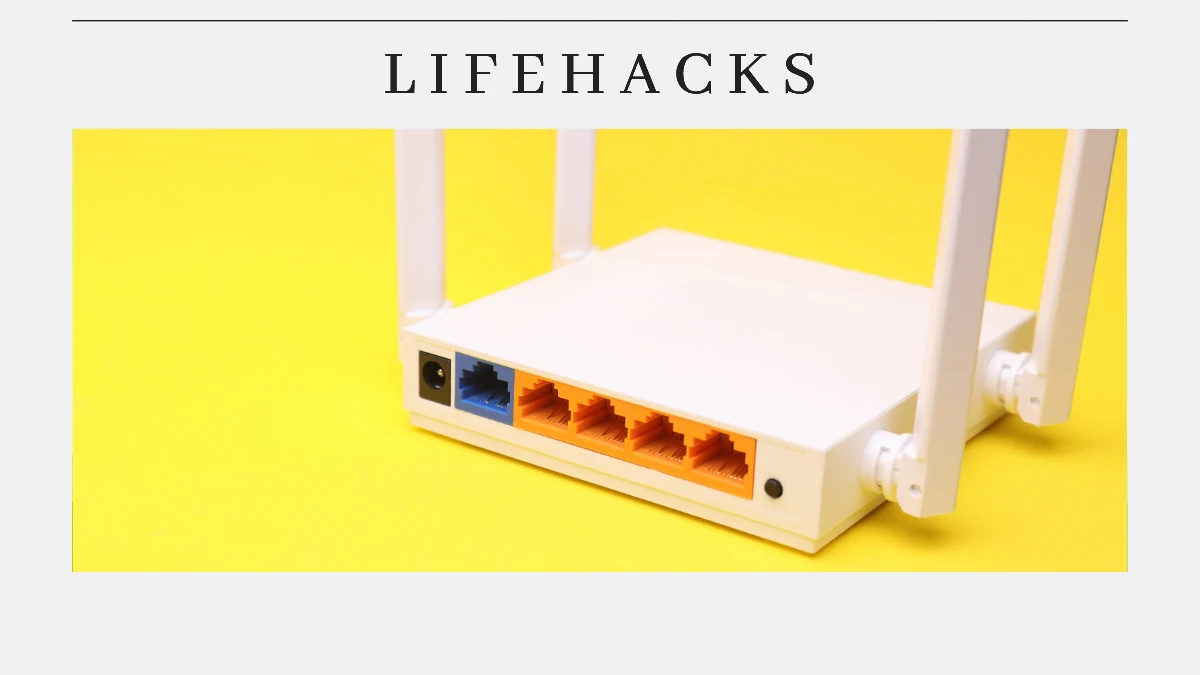
To control the robot remotely, you need to download and install the manufacturer’s default app, such as iRobot, HOME, or Mi Home, on your smartphone. Then turn on the robot and connect it to the same WiFi network as your smartphone.
After that, you can connect the device to the app by following the instructions. You need to wait until the app finds the device. When the name of your robot vacuum appears, click to connect. After that, you can remotely control the robot vacuum to turn it on/off, set a cleaning schedule, and receive notifications.
First mapping and cleaning
Once connected, you can immediately start the first cleaning. Press the clean button on the robot or in the app to start. Let the robot run its first cleaning cycle by first creating a digital map of your home. You can often customize this by setting restricted zones.
When performing the first cleaning, do not leave immediately. You need to observe several rounds to identify problem areas or areas that have not been mapped optimally. Over time, the device will adjust to your home’s layout and continue to learn and improve its cleaning performance.
Regular use and maintenance
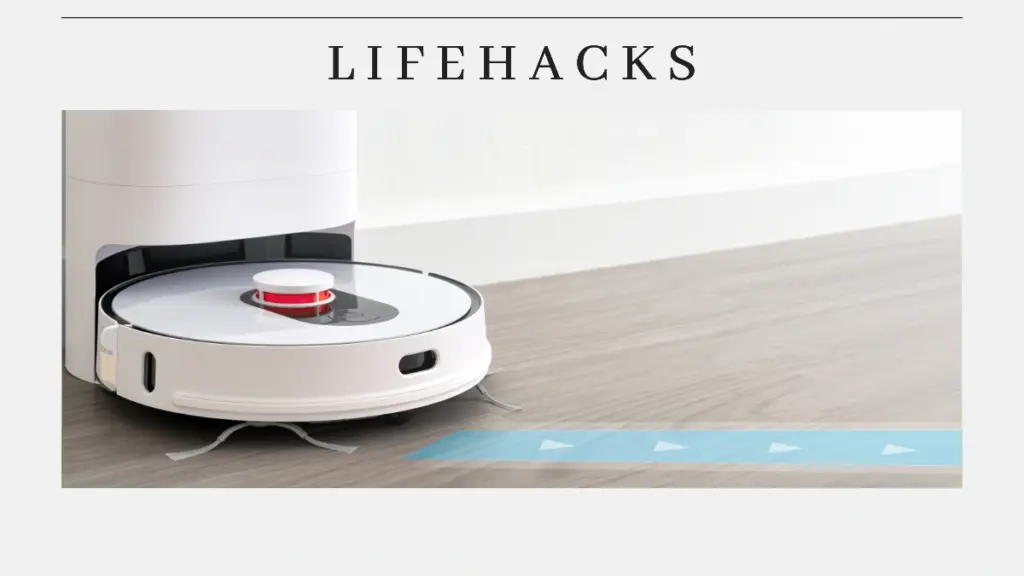
Next, to clean the floor regularly, you can schedule cleaning using the app. For example, you can schedule a time to clean your home regularly, such as every morning at 08:00.
When use robot vacuum, it is essential to empty the dustbin and clean the filter regularly to maintain optimal suction power. Additionally, you can also check the wheels and brush them periodically to see if there is any tangled hair or dirt. Some models feature a station that can independently empty dust, wash mops, and refill water.
Use advanced features
Robot vacuum cleaner features several advanced capabilities. Consider some important features that you need. Here are some of these technological features:
- Auto-emptying dock: Provides practicality, as the device automatically empties the dust into its design station.
- HEPA Filter: A must-have feature for allergy sufferers, as it captures allergens and fine particles.
- Smart Sensors: Ensure the vacuum anti-fall, anti-collision, and automatically adjust to carpets.
- Integrated with smart home: A robot vacuum integrated with a smart home allows for easy control via the app and voice control, enabling you to manage all your home appliances.
That’s how to use robot vacuum cleaner. Prepare the robot vacuum cleaner, download the app, connect to WiFi, perform the essential mapping and cleaning, and then use it for regular cleaning and maintenance, as well as advanced features.
When use robot vacuum cleaner, several factors must be considered to achieve optimal results. Be sure to clean it regularly, avoid areas with moisture, and remove obstacles.
By using it correctly, you can maximize its use for cleaning your home. That way, you will get efficient lighting automation and greater energy savings.
Table of Contents
Muhammad

Hello, my name is Rifqi. I have studied how language can influence human interaction and impact sociocultural aspects. Currently, I work as a corporate content writer at Dimulti Type Approval. Through my writing, I hope to make difficult technical matters or everyday issues easier for you to understand.
Related Articles